


Short answer: Run check in and check out as a custody workflow your operators can execute in seconds. Capture one event at outbound, one at return, and one exception event when counts or condition differ. Combine scan proof with phone based BLE sightings so teams can find assets faster and close disputes before day end.
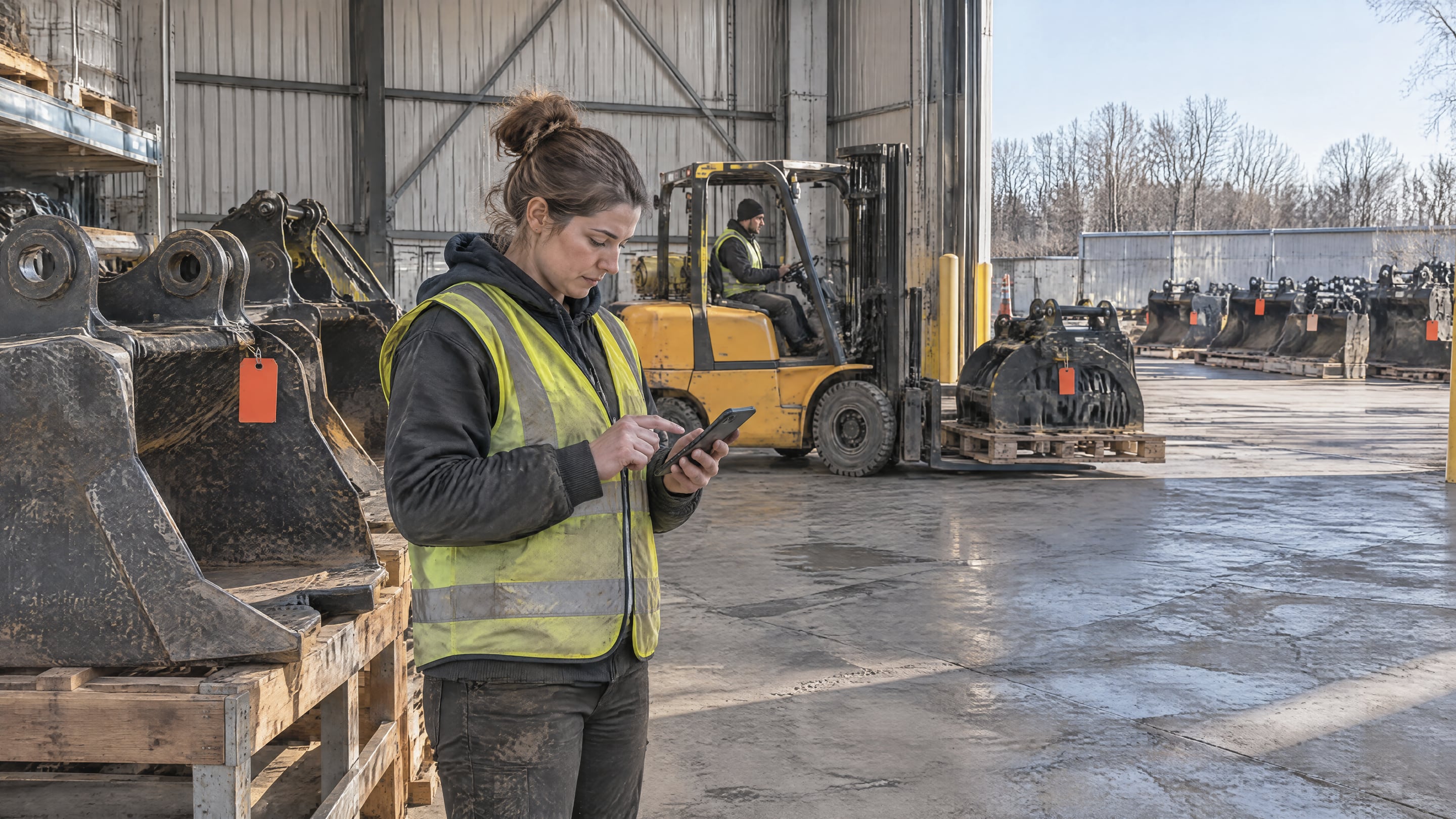
Many rental depots already know where process friction sits: outbound teams rush to dispatch, returns pile up at peak hours, and attachments or tools that look identical are hard to find under time pressure. A handover workflow works only when it is simple enough to run on a busy day.
Check in and check out workflow at a glance
- Outbound check out: match asset ID to order and destination before the truck leaves.
- In-yard movement: collect passive BLE sightings while staff move through lanes and work zones.
- Return check in: confirm what came back, where it landed, and in what condition.
- Exception queue: assign missing, damaged, or wrong-asset cases to one owner with an SLA.
- Daily close: reconcile open exceptions and unresolved custody gaps before the next shift.
Why do rental depots lose control of attachments during handover?
Most losses start with missing handover evidence. Teams often know the lane and truck, but not the exact asset that changed hands and when. When check out and check in are logged only at batch level, custody gets fuzzy. That is where search time and chargeback disputes start to grow.
In external meetings over the last month, we saw the same pattern across yard operations: one experienced planner can still find almost everything by memory, but the system fails when that person is off shift. Attachments, totes, and other returnable containers move, but evidence does not move with them.
This is also why many depots feel they have to choose between two bad options: heavy fixed infrastructure or manual scans on every touch. In practice, there is a middle path. You can keep check in and check out disciplined while using passive sightings to reduce search work between those hard handovers.
What is the minimum check in and check out workflow that scales?
A scalable workflow has only a few mandatory events, but each event is complete enough to prove custody. You do not need twenty process steps. You need clear ownership at outbound, return, and exception handling. Start there, then add automation where teams still lose time.
Use this minimum model:
- Outbound check out: capture asset ID, order ID, destination, and timestamp. Dispatcher confirms before release. If mismatch appears, block release and assign the case to dispatch lead.
- Return check in: capture asset ID, return location, timestamp, and condition marker. Returns desk confirms quantity and visible condition. If missing or damaged, open a case with owner and due time.
- Yard relocation: capture new zone or lane, timestamp, and role. Yard controller confirms high-value moves. If location stays stale beyond target, send a search task.
- Maintenance intake or release: capture asset ID, work order, and status. Workshop lead confirms intake and release. If status stalls past SLA, escalate to operations owner.
This fits both EU and US operations language. EU teams may call these RTI handovers. US teams may call them returnable container or dunnage handovers. The operating logic is the same: every custody change leaves a record that can be audited later.
How do phone based BLE sightings and scan events work together?
Treat scan events as legal custody proof and BLE sightings as search intelligence. Scans anchor accountability at check out and check in. BLE fills the blind window between those events so teams can find assets faster. Together, they reduce manual lookups without weakening evidence quality.
Android and iOS platform behavior matters in this design. Android guidance warns against relying on periodic background scans and requires the right Bluetooth permissions, especially on recent versions (Android BLE background guidance, Android Bluetooth permissions). Apple documents Core Bluetooth background constraints and required usage description keys in app configuration (Apple Core Bluetooth).
That is why depot teams should pilot with their real phone mix, not lab assumptions. If one shift has older Android devices and another shift has newer iPhones, your effective sighting cadence can differ. Plan around measured process outcomes: search minutes, unresolved exceptions, and stale locations in active lanes.
For technical background and sizing, use BLE asset tracking, equipment yards, and this guide on how many phones you need for BLE yard tracking.
Which event fields should every depot capture from day one?
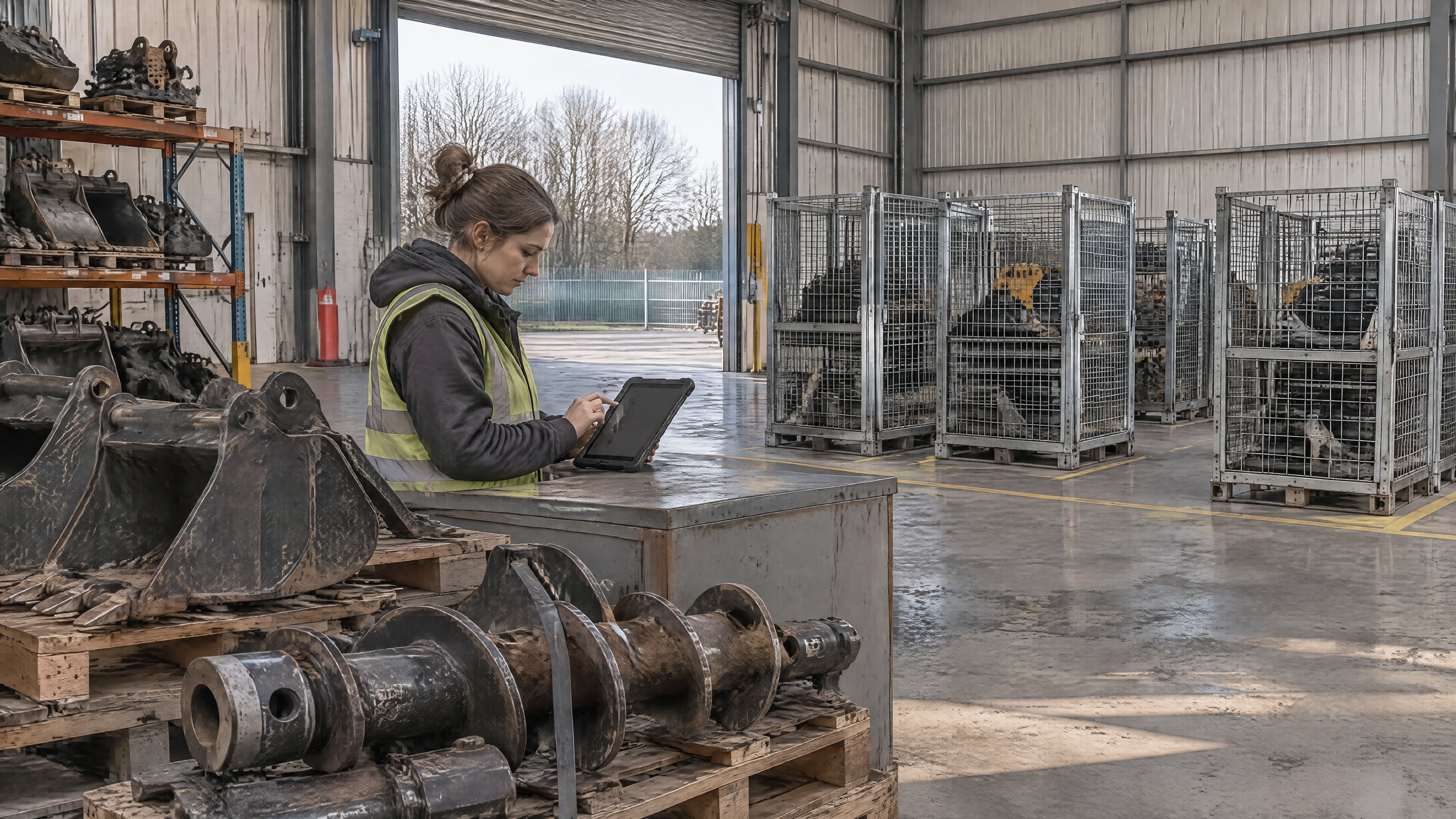
Capture only fields you will actually use to decide action. A short, complete event beats a long, inconsistent one. For check in and check out workflows, the winning set is identity, custody context, timestamp, and condition. Everything else is optional until operations asks for it.
For most depots, this core event schema is enough:
- Asset identity: unique ID on the attachment, tool, tote, cage, or carrier.
- Business context: order, route, job, or contract reference.
- Custody pair: from role and to role, plus location or lane.
- Event time: one trusted timestamp per event.
- Condition marker: clean, damaged, incomplete, or blocked.
- Evidence pointer: photo, note, or document link for exceptions.
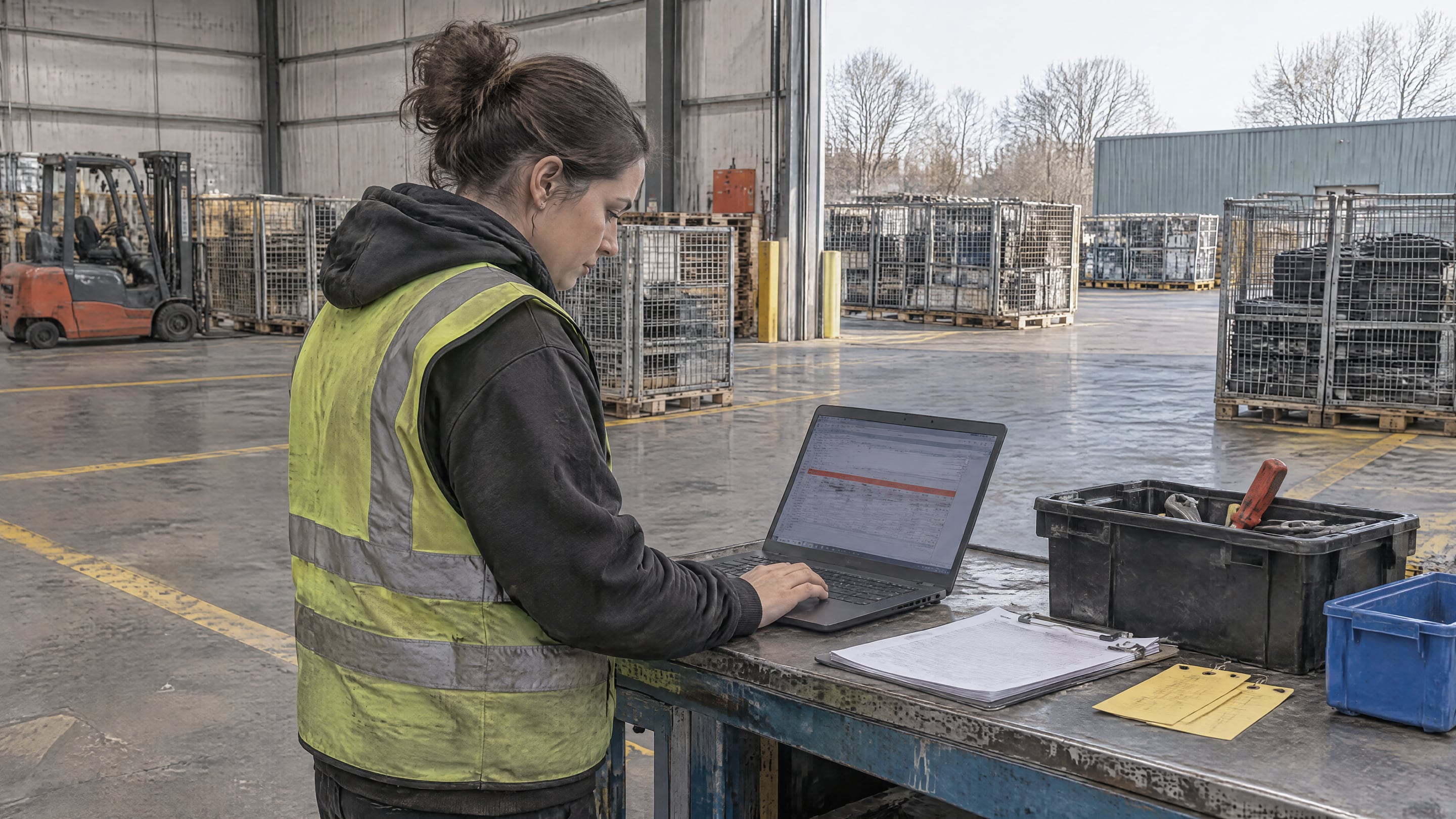
When teams skip one of these fields, they usually pay later in manual reconciliation. Keep the schema short, enforce it at the two hard handovers, and let automation route exceptions to the right owner.
How do you pilot this in one depot before rolling it out?
Pilot the workflow on one high-friction lane first. Do not start with a full-fleet rollout. A focused pilot shows whether your event discipline and role ownership are strong enough before you spend on wider deployment. Four weeks is usually enough to see if exception closure and search time improve.
A practical pilot sequence:
- Week 1: map process. Pick one outbound lane and one returns lane. Define the event schema and owners.
- Week 2: run check out discipline. Enforce outbound capture on every dispatch in scope.
- Week 3: run check in plus exception queue. Add returns capture and daily case closure.
- Week 4: tune with sightings. Add or move phone carrying roles where stale locations persist.
Track three outcomes daily: average search minutes per request, count of open exceptions older than SLA, and share of assets with recent sightings in active zones. If these move in the right direction, scale the same model to the next lane.
If your depot team wants a working check in and check out blueprint on your own process, book a demo.
Frequently asked questions
Do we need to scan every movement to stay accountable?
No. You need strict scans at custody handovers, mainly check out and check in. Between those moments, passive sightings can reduce search effort without replacing accountability events.
Can this work if attachments move between indoor and outdoor zones?
Yes. Keep one event model across both zones, then assign phone carrying roles to routes that naturally pass each area. Add fixed readers only where human traffic stays too low.
What should we do first: BLE tags or process cleanup?
Start with process cleanup at outbound and returns. Tags and sightings amplify a good process, but they cannot rescue missing ownership or inconsistent handover capture.
How do we keep the workflow practical for busy shifts?
Limit mandatory fields to the event minimum and keep exception ownership explicit. Teams adopt quickly when they see fewer searches, fewer disputes, and faster daily close.


