
Handovers / HO-26-10-4471Delivery to Store 2214From DC Zellik, 09:15
Delivered48
Your scans48
Store count48
Store count46
Confirmed on both sides
Difference open: 2
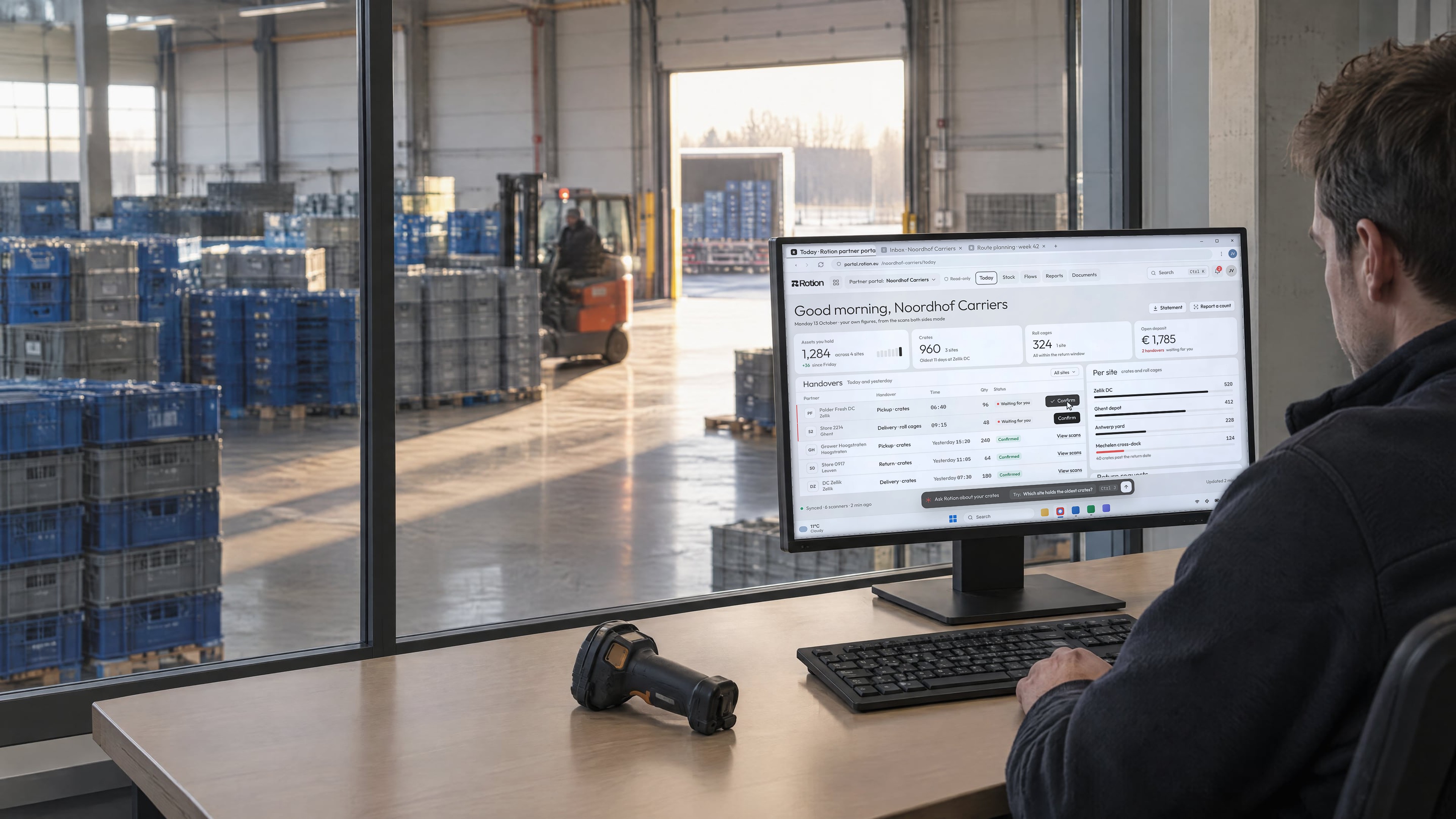
Partner portal for reusable packaging
Growers, carriers, stores and fillers join your loop with a phone and a link. They confirm handovers, check their own balance and answer return requests, on the same record you use.
A partner portal gives every company that handles your reusable assets its own view of them. In Rotion, growers, carriers, stores and fillers see the assets they hold, confirm handovers and check their balance against the same scan evidence you see. They join by phone and link, without installing software or starting an IT project.
A new store gets a text, opens the link in its browser and confirms its first delivery, without installing anything or involving IT.
Sample data. Store 2214, Ghent. Tuesday, October 13, 2026
DC Zellik invited Store 2214 to confirm crate handovers. Open link
08:02 The invite arrives by text.
08:40 One site, in the partner’s language.
09:15 The first delivery is confirmed.
Invite to first confirmed handover1 h 13 min
Partners need a phone and a link. Your team and regular partners can use the scan app for batch scans and offline work.
Send a link by text or email. The partner opens it on a phone and sees its locations and assets.
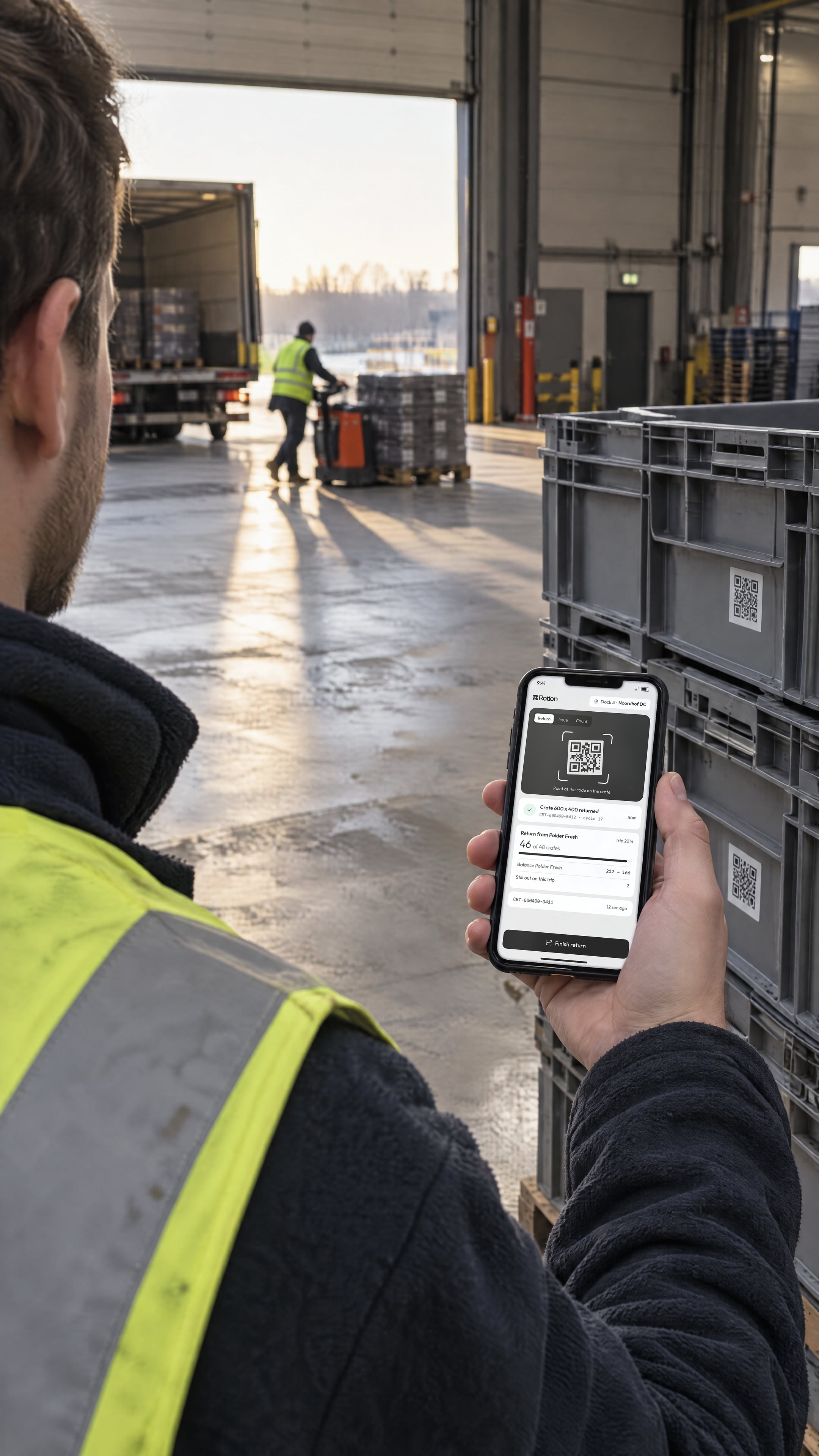
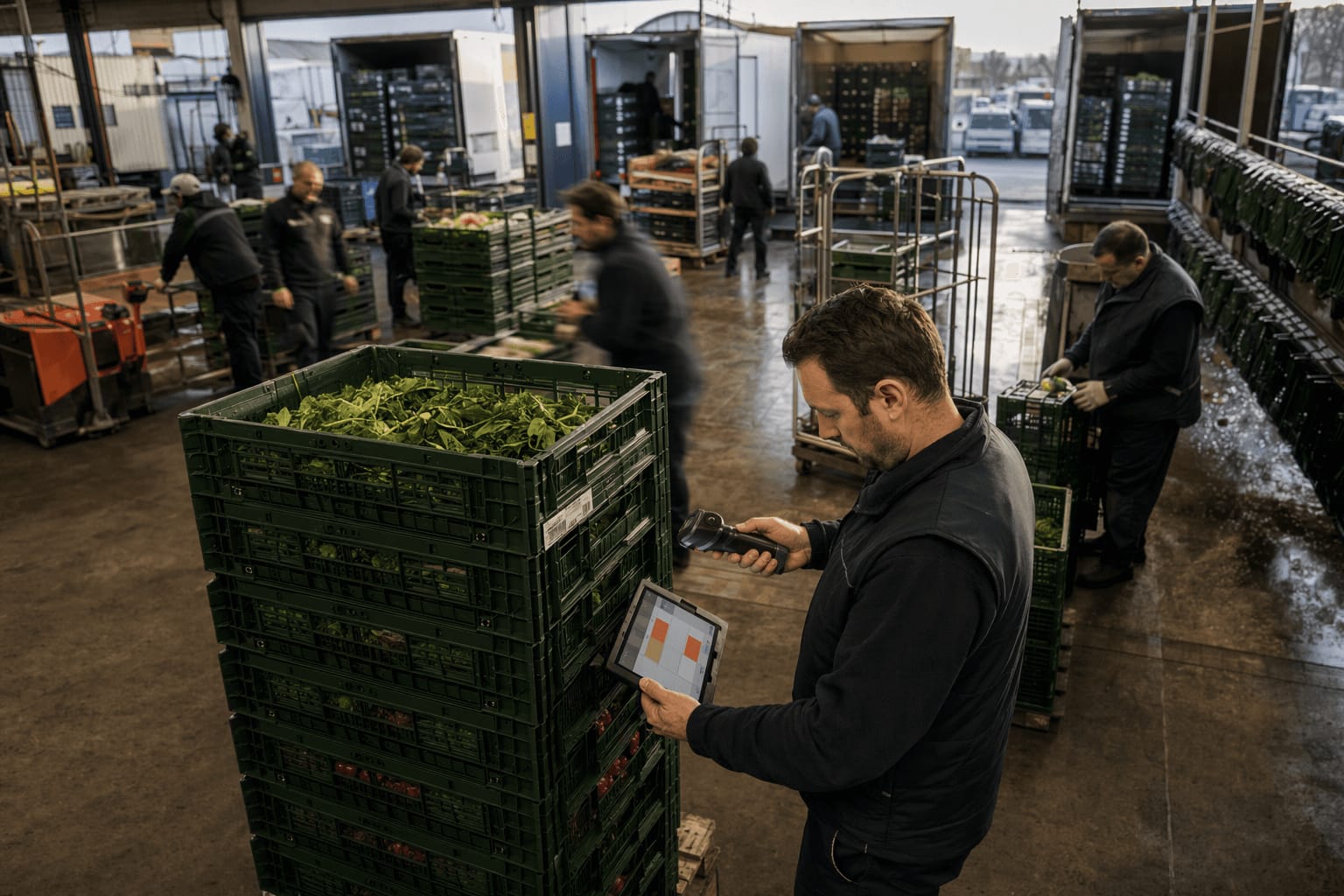
At pickup or delivery, both sides confirm the count. Custody moves on the spot.
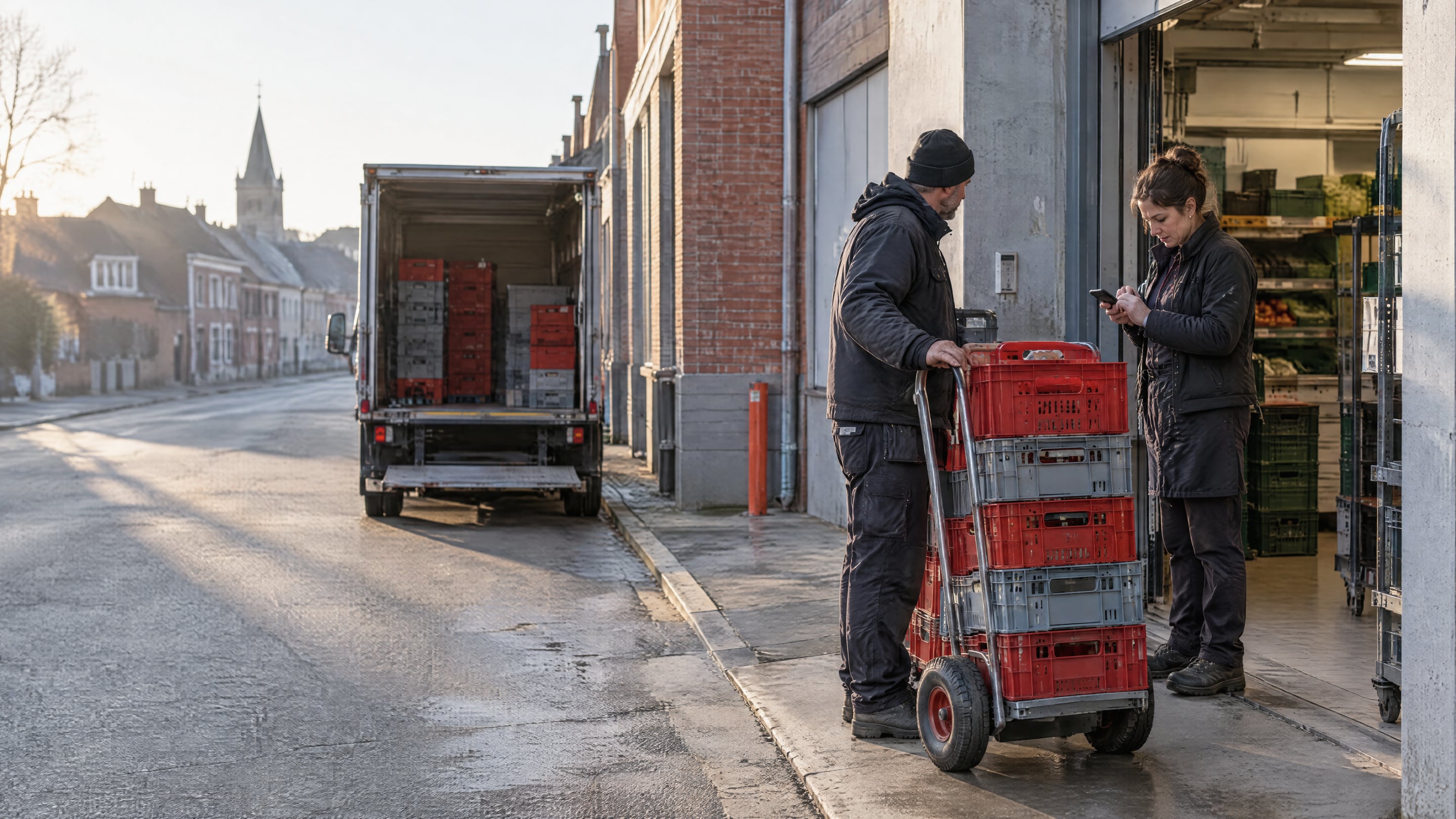
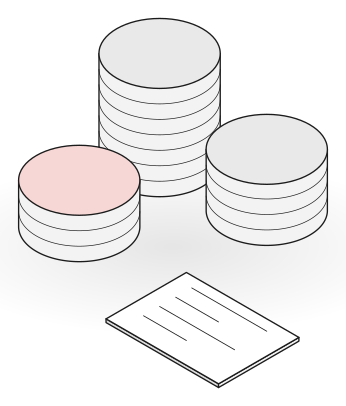
Each partner sees what it holds per asset type and site, and since when.
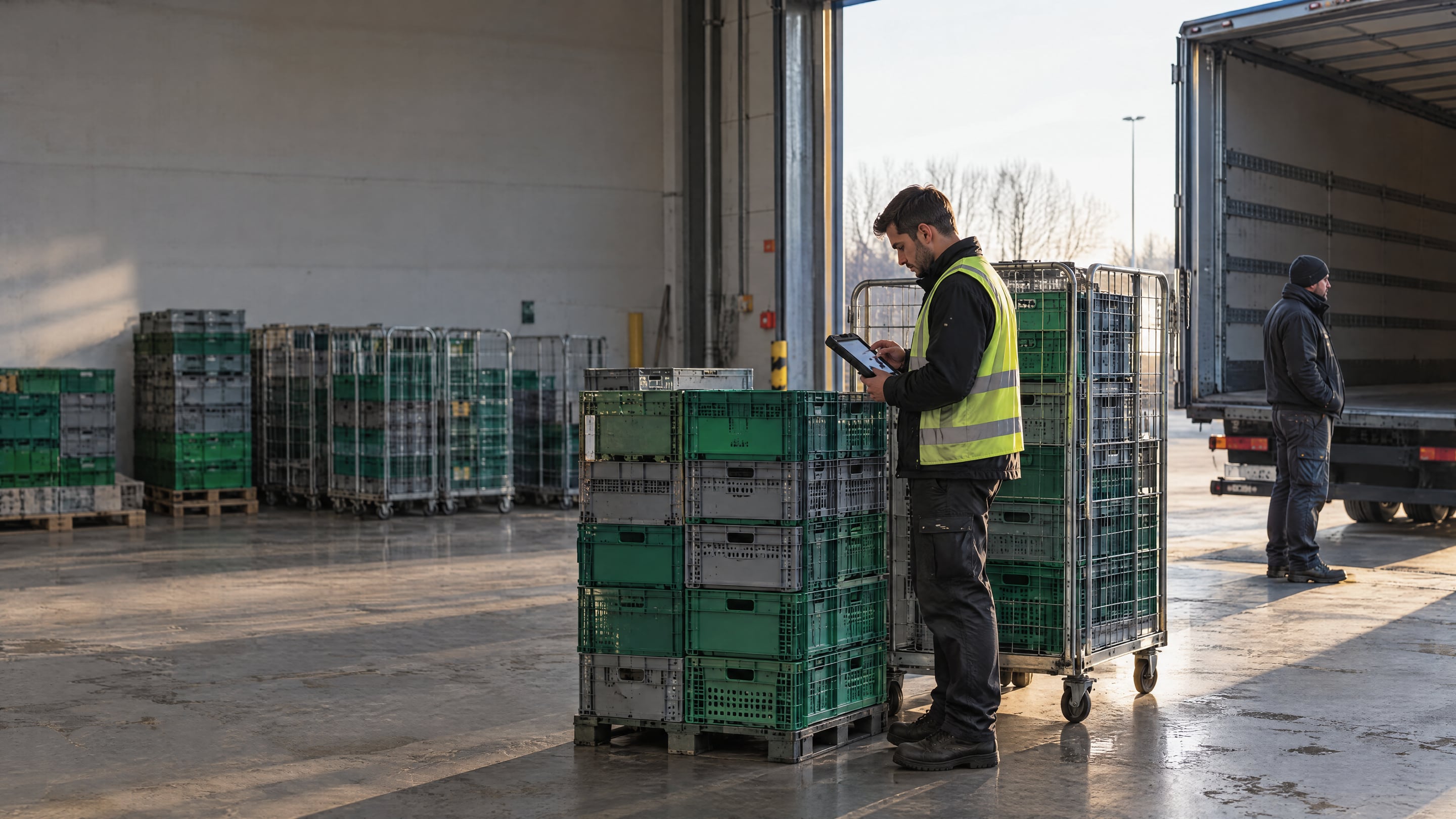
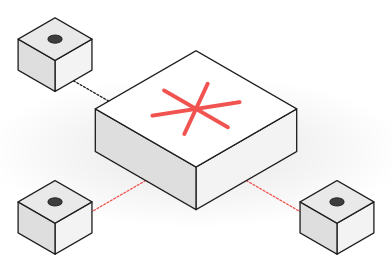
A difference opens with the scans attached. Most close with a lookup instead of a call.
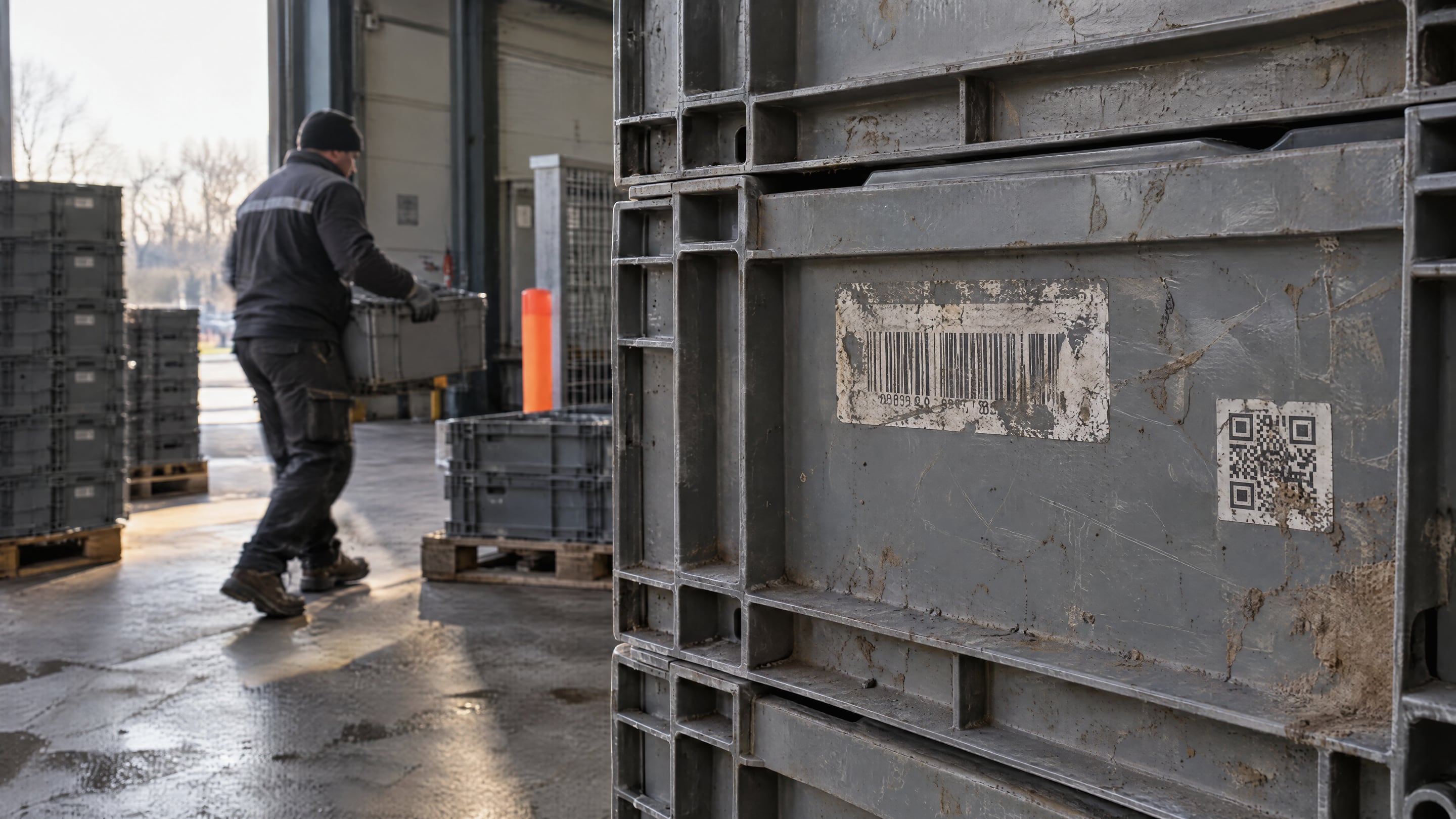
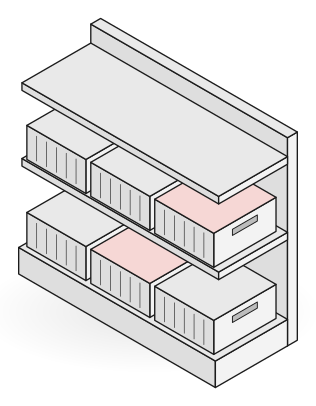
The carrier’s delivery scan and the store’s confirmation land on one record. When counts differ, the difference opens with both sets of scans.
Confirmed on both sides
Difference open: 2
Confirmed on both sides
Difference open: 2
Same reference, same numbers, confirmed on both sides. Both balances update from this record.
The missing crates stay on Noordhof Carriers’ balance until they are found.
Both balances update from the same evidence.
Autopilot watches every scan in your loop, flags what is going wrong, proposes the fix with its reasoning, and acts once you approve.
How Autopilot worksCustomer 22 has 3 unconfirmed handovers from Noordhof Carriers, totalling 144 crates.
The carrier scanned the deliveries on 9, 10 and 11 October. Customer 22 usually confirms within a day, and its balance is now 144 crates above what it has acknowledged.
Send Customer 22 a confirmation request with the three delivery scans attached.
Set the actions per partner. A partner adds its own users, signs in the way its IT prefers and sees the portal in its own language, under your brand if you run a pool.
By link, password or SSO.
LinkPasswordSSOThe portal in the partner’s language.
Set per partnerYour brand on the portal, if you run a pool.
Your logoYour nameField results from operators running Rotion across pools, retail and industry.














No. Partners open the portal from a link on any phone or computer and confirm handovers in the browser. Teams that scan large volumes or work offline can use the Rotion scan app.
You add the partner and its locations, then send an invite by text or email. The partner opens the link, and its first handover can be confirmed the same day. No integration or IT project is needed.
No. Each partner sees only the assets it holds, its own handovers and its own balance. Access is set per partner and per role, and you decide which actions each one can take.
Your drivers can scan on the partner’s behalf at pickup and delivery, and SSCC batching keeps it to one scan per load. The balance stays accurate even when a partner never opens the portal.
Yes. Partners with their own WMS or ERP can send handovers through the REST API, webhooks, EDI or CSV import. See integrations.
No. Rotion is priced per platform, not per user, so partners and their users never add to your bill. See pricing.
By a link sent to their phone or email, by password, or through SSO for large partners. The portal shows in the partner’s language, and a partner can add its own users.
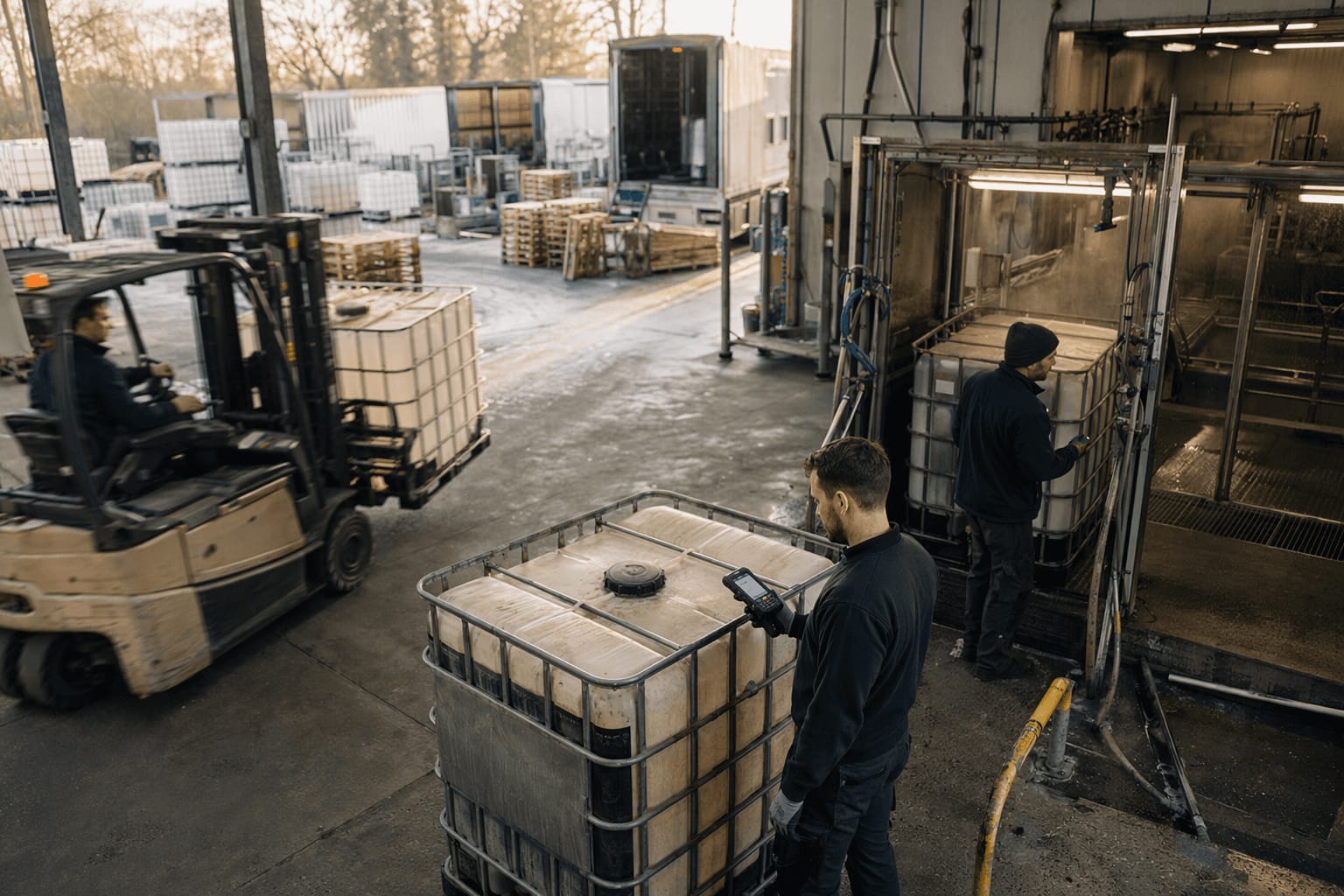
 IMG 052 · DC Zellik · 50.8889N 4.2725E
Most teams go live in weeks, on the codes already on their fleet.
AI assistant · answers about Rotion
Hi. Ask me anything about Rotion: how it tracks crates, pallets, kegs and IBCs across partners, what Autopilot does, pricing, or PPWR.