
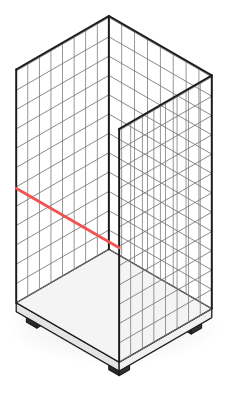
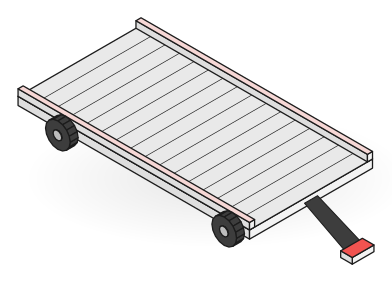
 ERP
ERP- In
- Delivery orders, partners
- Out
- Partner balances, deposit journal entries
Integrations and tracking technology
Rotion connects to your ERP, WMS and TMS, and reads the codes and tags already on your fleet. QR, barcode, RFID, BLE or NFC all become the same custody event on one record.
Rotion has standard connectors for SAP, Microsoft Dynamics 365, Odoo and the most common WMS and TMS, and connects other systems through the REST API, webhooks, EDI or CSV import. It reads QR codes, barcodes, RFID, BLE and NFC tags and GS1 identifiers. Enterprise customers can add SSO and run Rotion in the cloud, a private cloud or on-premise.
Standard connections are part of every plan. Anything beyond them is built for you on a cost basis, on the Custom plan.
ERP ERP
ERPSuch as Oracle NetSuite, Exact, Infor, Epicor, IFS, and AFAS
Such as Manhattan Associates, Blue Yonder, Körber, and SAP EWM
Such as Transporeon, Alpega, SAP TM, and Oracle TMS
Such as Snowflake, Power BI, Google Sheets, Make, n8n, and Zapier
Standard connections are set up by Rotion with no onboarding fee. Custom integrations and advanced API work sit in the Custom plan and are built on a cost basis.
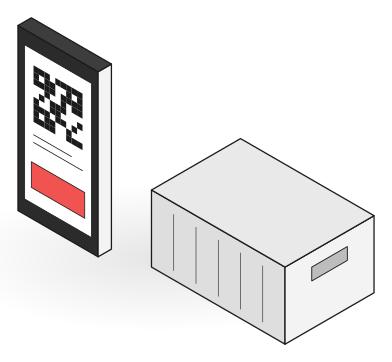
A phone scan, a portal read and a BLE position become the same custody event, matched to the partner and the order.
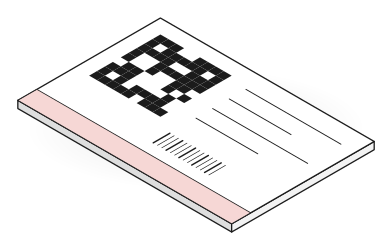
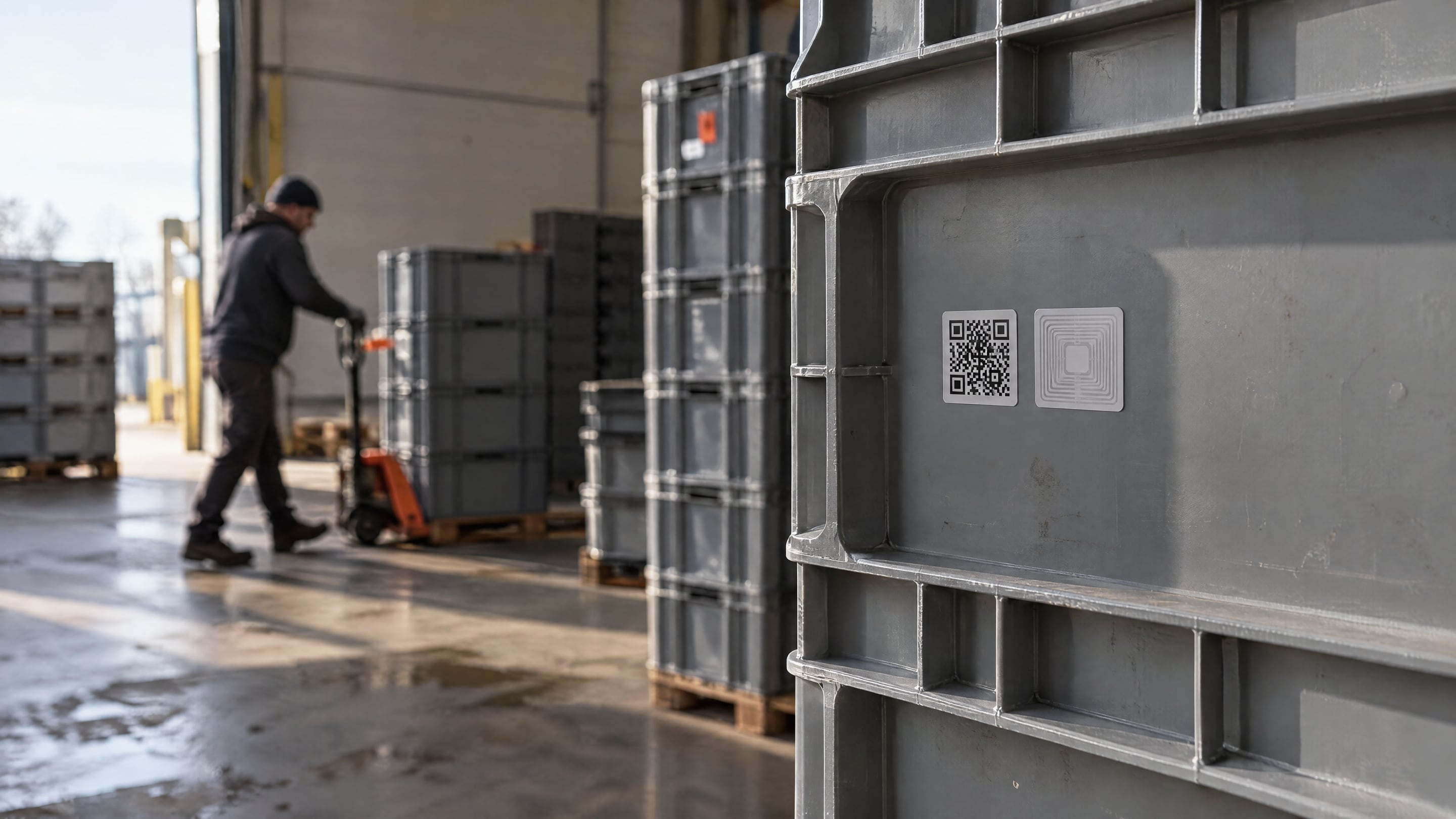
Existing barcodes, EPC-encoded RFID tags and GS1 GRAI codes map in. New assets get a GS1 QR label.
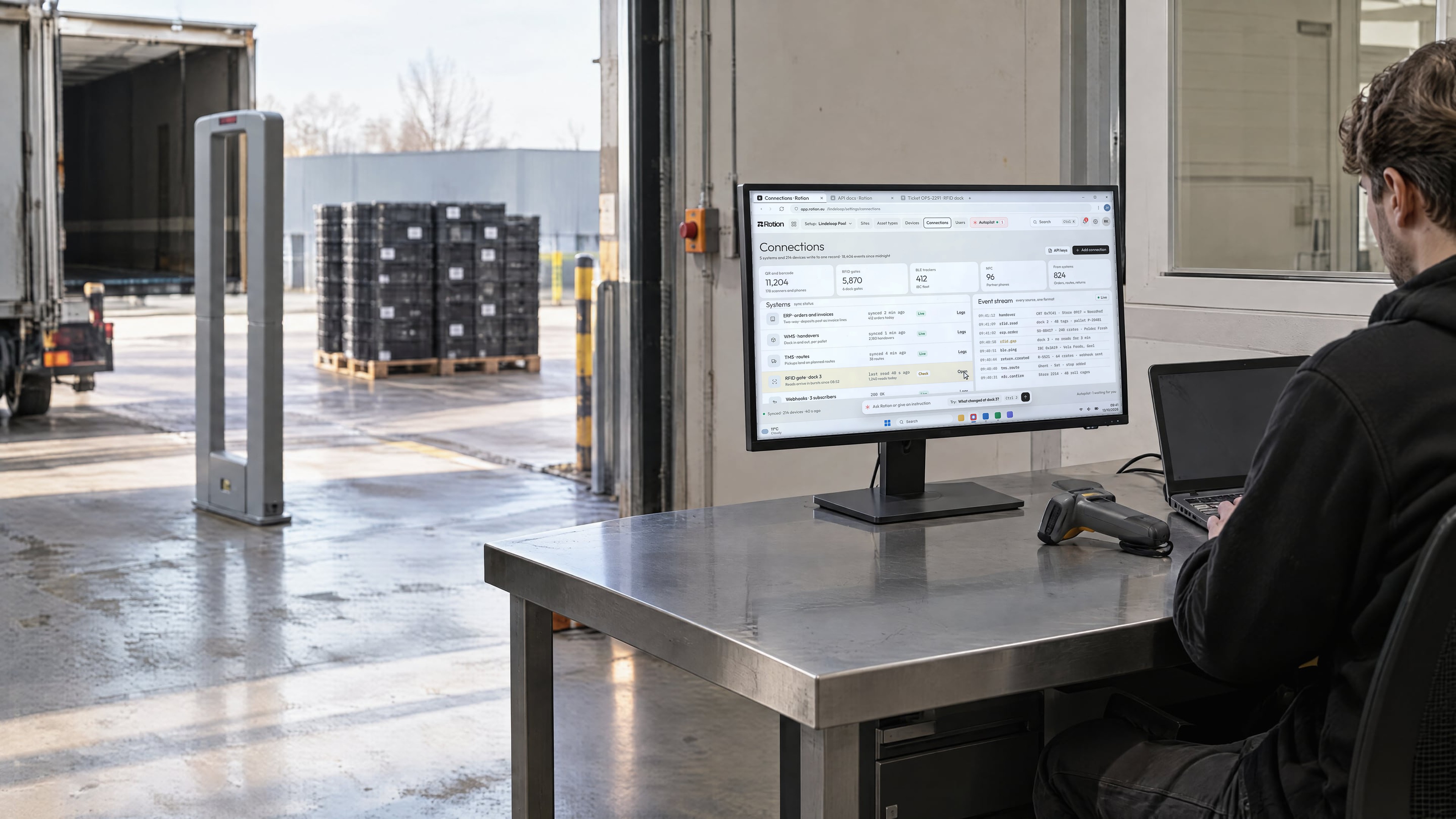
Phones, handhelds, RFID portals at the dock and BLE gateways on site all post reads to Rotion.

Orders and routes come in from your ERP and TMS. Handovers and balances flow back.
Webhooks tell your systems when assets return, go overdue or need a pickup.

A phone scan, an RFID portal and a BLE gateway all land as the same custody event on one record. Nothing gets relabeled.
Autopilot watches every scan in your loop, flags what is going wrong, proposes the fix with its reasoning, and acts once you approve.
How Autopilot worksRFID dock 3 reads 9% fewer crates than the SAP delivery orders for the last 5 days.
The gap appears only on pallets loaded higher than 1.8 m. Dock 1 and dock 2 match the orders within 0.5% on the same flows.
Mark dock 3 reads as partial and ask the driver for a validation scan until the reader is checked.
Most teams use the cloud. Enterprise customers can run Rotion in a private cloud or on their own servers.
Pick a position to see its terms.
Same features, same API, same apps. Partners still join with a phone and a link. Most teams go live in weeks.
Field results from operators running Rotion across pools, retail and industry.














These are systems teams often run next to a reusable packaging loop. If yours is not on the list, it can still connect.
 Microsoft Dynamics 365
 Oracle NetSuite






 Oracle WMS
 Oracle TMS
 Snowflake
 Power BI
 Google Sheets
 Make
Make n8n
n8n Zapier


Standard connectors cover SAP, Microsoft Dynamics 365, Odoo and the most common WMS and TMS. Any other system connects through the REST API, EDI or CSV, or we build the connection with you on the Custom plan, at cost.
Yes. Standard connectors for SAP, Microsoft Dynamics 365 and Odoo exchange orders, deliveries, partner balances and deposits. Rotion also has connectors for WMS and TMS, and any other system connects through the REST API, webhooks, EDI or CSV import.
Rotion reads QR codes, barcodes, passive RFID, BLE and NFC, with phones, handhelds, RFID portals or gateways. It is hardware-agnostic and does not sell tags, so the technology is chosen per flow and can change later without changing your data.
Yes. Existing barcodes and EPC-encoded RFID tags map in as asset identifiers, alongside GS1 GRAI codes. Labels are printed only for assets that carry none.
Yes. Most fleets start with printed QR codes and the phones the team already carries. RFID portals or BLE tags are added later, on the flows where your loss data justifies them.
Yes, for enterprise customers. Rotion runs in the cloud by default, and private cloud or on-premise deployments with SSO are available on Custom plans. Book an hour with the team to go through your requirements.
Standard connections to SAP, Microsoft Dynamics 365, Odoo and the most common WMS and TMS are in every plan, set up by Rotion with no onboarding fee, and so are CSV and basic use of the REST API and webhooks. EDI, custom integrations and advanced API work sit in the Custom plan and are built on a cost basis. See pricing.
 IMG 052 · DC Zellik · 50.8889N 4.2725E
Most teams go live in weeks, on the codes already on their fleet.
AI assistant · answers about Rotion
Hi. Ask me anything about Rotion: how it tracks crates, pallets, kegs and IBCs across partners, what Autopilot does, pricing, or PPWR.