
Short answer: Plan a returnable loop before the first container ships: protect the part, count the parts per container, size the pool and cost each option. Once the loop runs, track every container by its own ID to measure cycle time, dwell time, rotations and losses, and feed those values back into the plan before the pool runs short.
We wrote this guide together with Optipacker. Vojtech Dousa, Optipacker’s founder, wrote Part 1: how to plan a loop for one part, worked through with real numbers. We wrote Part 2, which tracks that same loop and shows what happens to its 48-container pool when the loop runs slower than planned.
The worked example at a glance
- Part: a 90-degree ABS bracket, 25 × 40 × 25 mm, 4.20 g
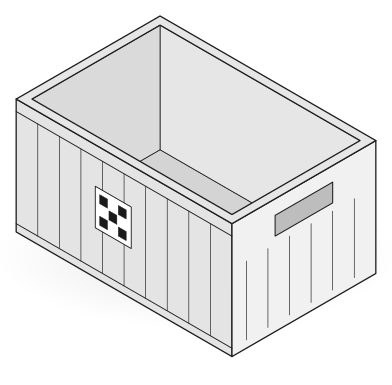
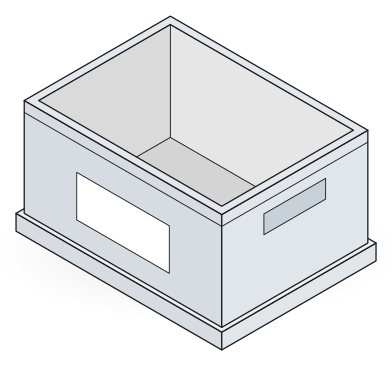
- Container: Auer R-KLT 3215, internal 243 × 162 × 129.5 mm
- Loop: 12 days, 20 loops a year, peak demand of 50,000 parts a year
- Pool: 48 containers, one full EUR pallet
- Options costed: bulk fill (156 parts per container), custom insert (100) and catalog insert (75)
How do you plan a returnable loop before the first container ships?
A returnable loop needs four decisions before the first container ships: protection, parts per container, pool size and cost. Tracking then shows whether the assumptions behind these decisions hold.
Part 1, by Vojtech Dousa, Optipacker. Worked example from an Optipacker session recorded on 20 October 2026. Costs and operating inputs are illustrative. The bulk count is an estimate, and the shape-aware count comes from a preview layout. Part weight comes from the ABS material setting.
This example plans one loop for one part. Three packaging options need the same pool of 48 containers, but their investment and break-even year differ.
Step 1: Define the part, the container and the handling rules
The part is a 90-degree ABS bracket of 25 × 40 × 25 mm and 4.20 g. The container is an Auer R-KLT 3215 with internal dimensions of 243 × 162 × 129.5 mm.
Start from the part geometry in the CAD file, not only from the outer dimensions. An L-shaped part leaves space that a box-shaped envelope cannot use.
Set the handling rules before you count parts. They come from surface protection and picking needs. In this example, any orientation is permitted. The gaps are 6 mm between parts, 5 mm at the walls, 3 mm below and 8 mm between layers.
Step 2: Compare packing methods with the same rules
With the same handling rules, the three methods give these counts per container:
- Bulk fill: an estimated 156 parts, with no defined position or orientation.
- Box layout: 75 parts. Each bracket is treated as a rectangular envelope.
- Shape-aware layout: 100 parts. The layout uses the space around the L shape.
The highest count is not always the correct choice. Bulk fill suits only parts that tolerate contact and a picking process that accepts loose parts. Protection can justify a lower count.
Check the positions and orientations of a layout against the handling requirements before you accept it. At 4.20 g per part, weight does not limit this example.
Step 3: Decide how the container holds the parts
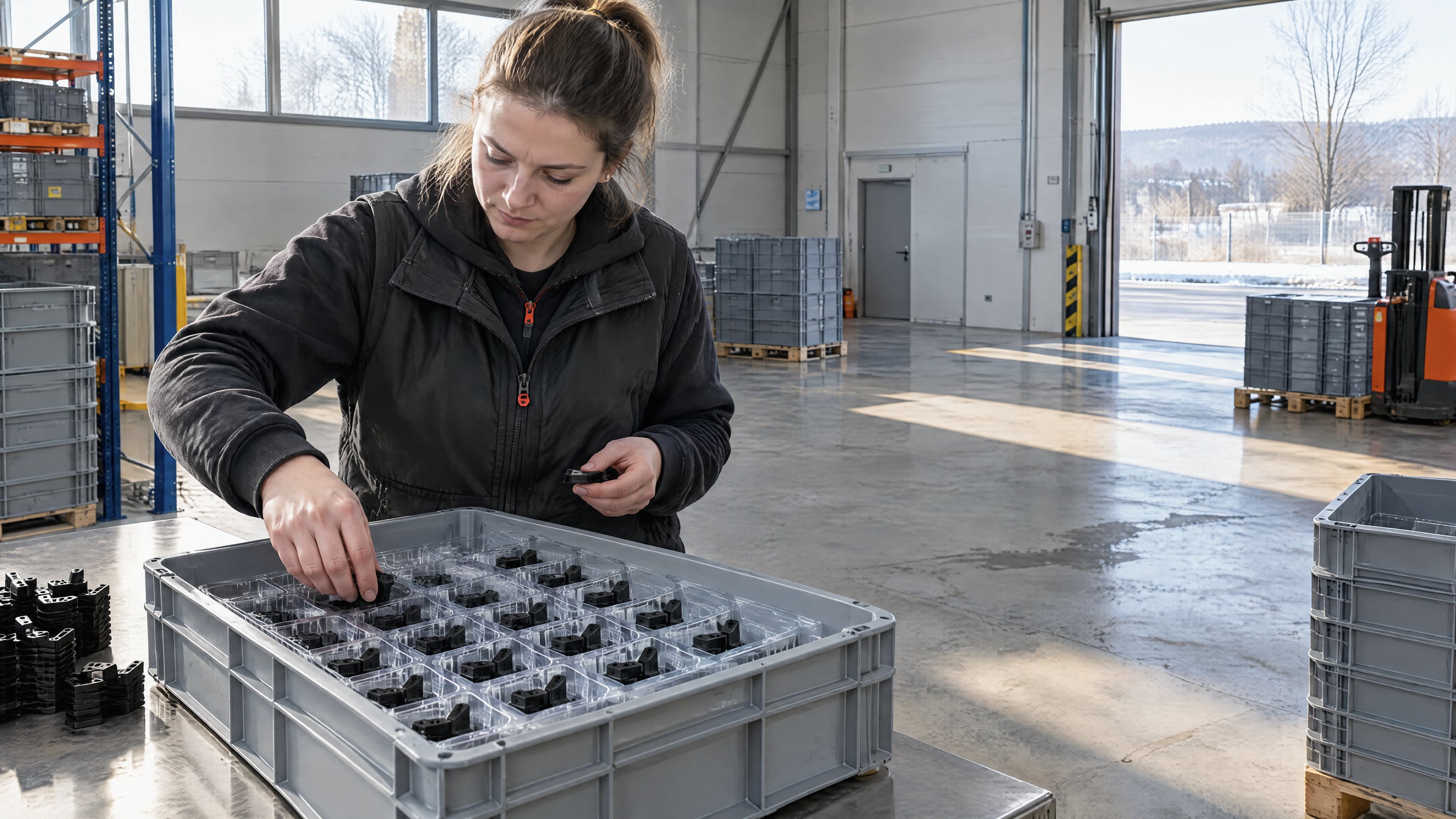
Dividers separate the parts into cells. Inserts locate and support each part. An insert is a formed tray, also called a blister. The example costs two insert options:
- Custom insert: 100 parts in a regular 5 × 5 × 4 layout. This option uses tighter gaps: 5 mm between parts and between layers, and 2 mm below. Four standard inserts would need 132 mm of height, and the box has 129.5 mm, so this layout needs a custom insert. The shape-aware layout also holds 100 parts, in two nested layers of 50, with the standard gaps. Nested parts need a custom nested insert, because no standard insert can hold them. This example does not cost it.
- Catalog insert: 75 parts in three layers, with one standard insert in each layer.
Before you design a custom insert, check whether a standard insert fits. Small changes to the gaps, the layer height or the permitted rotations can make a standard insert usable. A standard insert avoids custom design and mould costs. Nesting gives the most parts per container, but it rules out a standard insert. The plan shows both sides of that choice.
Step 4: Size the container pool
The pool must cover every container in the loop: at the supplier, in transit, at the customer and on the return trip. The inputs in this example are:
- 240 working days a year and 12 days for one loop, which gives 20 loops a year.
- Demand of 5,000 parts in 2026, 50,000 parts in each year from 2027 to 2029, and 5,000 parts in 2030.
- The parts per container from step 2 and step 3.
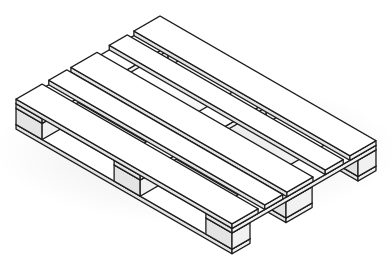
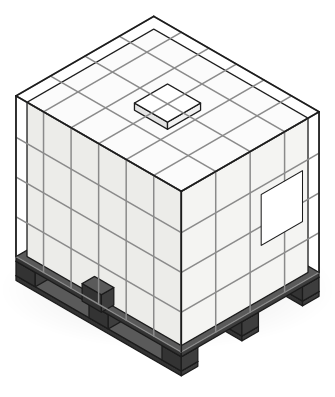
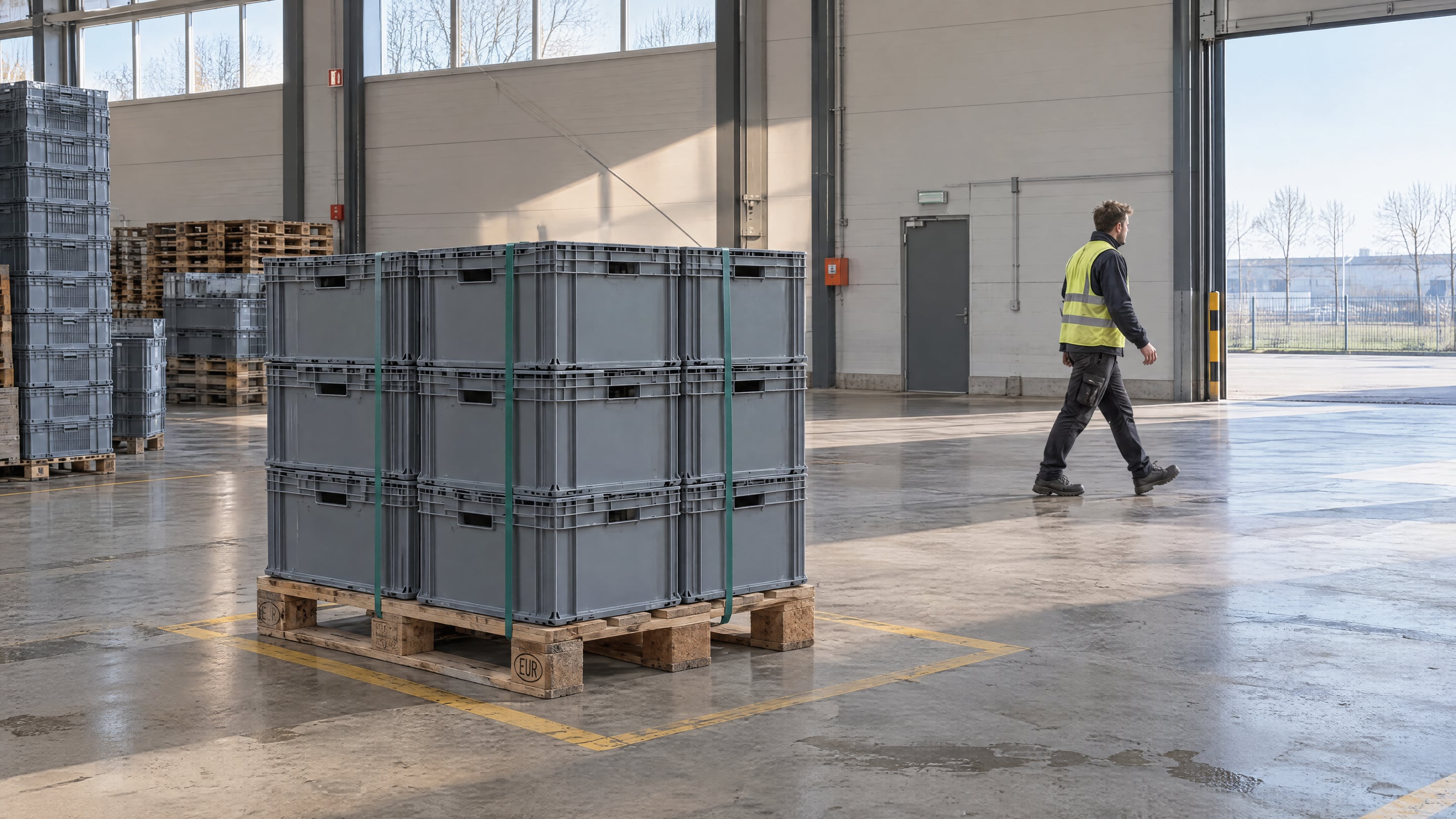
All three costed options round to a peak pool of 48 containers on one EUR pallet. The plan sizes the pool in full pallets. One EUR pallet holds 48 R-KLT 3215 containers in 3 layers of 16, and at peak demand each option needs less than one pallet. In this example, a higher part count per container does not reduce the rounded pool.
Step 5: Compare investment and break-even
The saved financial model reports:
| Costed option | First-year investment | Recovery charge per part | Project break-even year |
|---|---|---|---|
| Bulk | €181.73 | €0.1513 | 2028 |
| Custom insert | €4,307.67 | €0.1800 | 2029 |
| Catalog insert | €505.62 | €0.1567 | 2028 |
Break-even follows the cumulative project cash flow. It includes the recovery charge per part and the operating costs: return logistics, washing, replacements, maintenance and disposal. A savings-based payback also needs a baseline, the cost of the current packaging. With the same pool, protection and the insert investment separate the three options.
To estimate the pool size and payback of your own loop, use the Optipacker returnable loop calculator.
Step 6: Hand the assumptions to tracking
The plan depends on assumptions that only operation can confirm. Measure these values when the loop runs:
- Cycle time: the plan uses 12 days for one loop.
- Dwell time at each location: the plan includes it in the 12-day loop.
- Rotations per container: the plan uses 20 loops a year.
- Losses: the plan covers them with the replacement cost.
If the measured values drift from the plan, review the pool and the financial case. Plan the configuration, track its operation, then use measured behavior to revise the plan.
Part 2 shows how Rotion measures these values, and what drift does to the 48-container pool.
How do you track the loop and check the plan against reality?
The plan in Part 1 rests on four values that nobody can know before the loop runs: cycle time, dwell time, rotations and losses. Part 2 shows how to measure them, and what happens to the 48-container pool when they drift from the plan.
Part 2, by Rotion.
Step 1: Give every container its own identity
A count per location tells you how many containers are at the customer. It cannot tell you which ones have been there for three weeks, so track each container as well as the pool total.
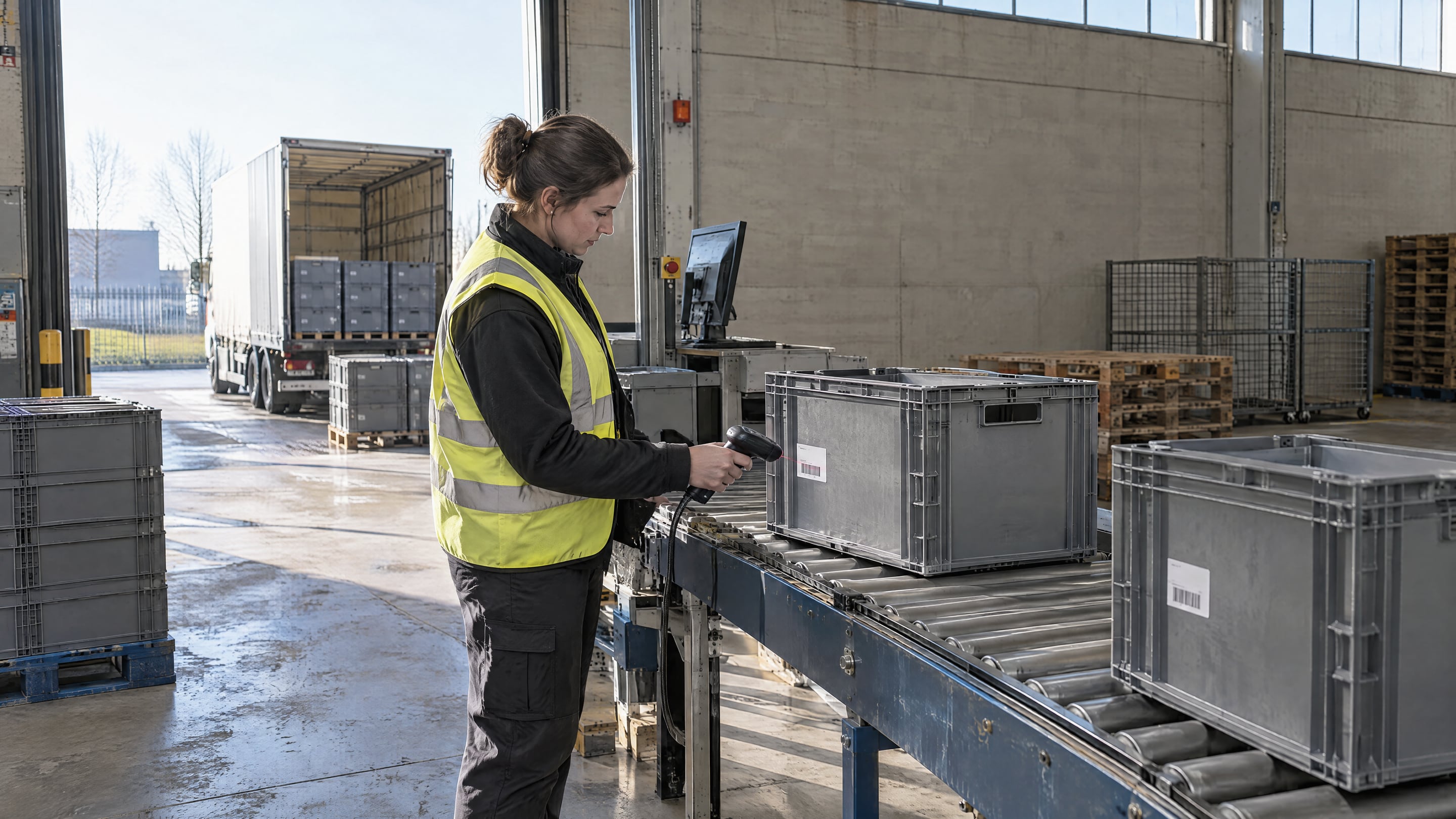
Give each container a unique ID, for example a GS1 GRAI on a label or tag. Record an event each time a container leaves or arrives at a location: a scan, an RFID read or a GPS position. Every later step depends on these events. We cover the difference in more detail in balance-level versus asset-level tracking.
Step 2: Measure the four values
With an event history per container, the four planning values become measurements:
- Cycle time: the time between two departures of the same container from the supplier. Compare it with the 12 days in the plan.
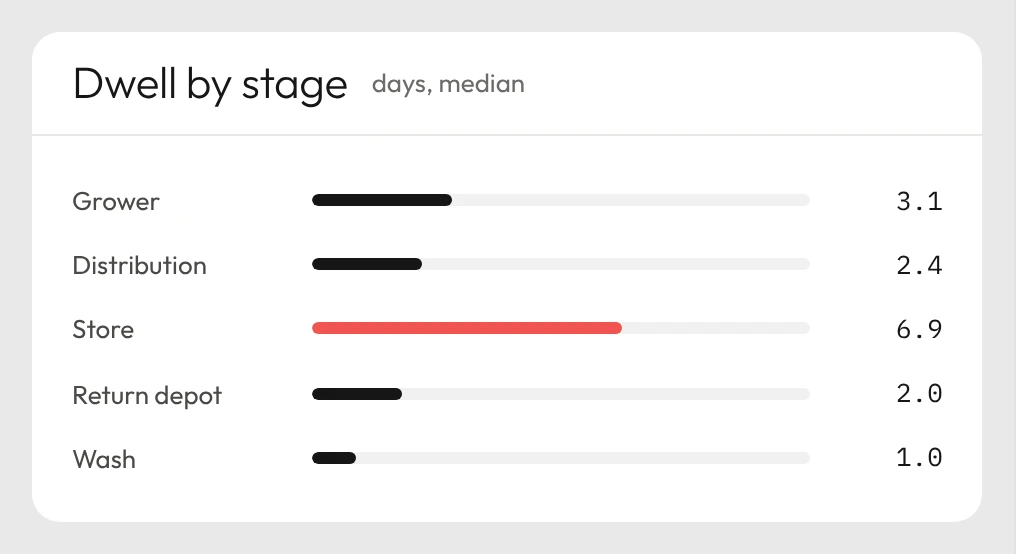
- Dwell time per location: the time between arrival and departure at each site. It shows where the loop stalls. Containers often wait longest at the customer or in an empty-return area.
- Rotations per container: the number of loops each container completes in a year. The plan assumes 20. An average hides the spread, because a few fast containers can carry the loop while others sit idle.
- Losses: containers that have not been seen for longer than an agreed limit, for example three planned cycle times. Flag them as missing before you write them off, because many turn up again at a site that has not returned them yet.
Step 3: Test the pool against the measured values
A longer cycle means fewer loops a year, so each loop must carry more parts. Peak demand is 50,000 parts a year. At the planned 12 days, a container makes 20 loops a year and each loop carries 2,500 parts. At 15 days that becomes 16 loops of 3,125 parts, and at 18 days 13.3 loops of 3,750 parts. This is how many containers each costed option then needs:
| Cycle time | Bulk (156) | Custom insert (100) | Catalog insert (75) |
|---|---|---|---|
| 12 days (plan) | 17 | 25 | 34 |
| 15 days | 21 | 32 | 42 |
| 18 days | 25 | 38 | 50 |
The plan sizes the pool in full pallets, and the 48-container pool from Part 1 is one full EUR pallet. At 12 and 15 days, every option fits on that pallet. At 18 days, the catalog insert needs 50 containers and the pool must grow to a second pallet. That adds about €380 in 2027 and raises the charge per part, although break-even stays in 2028.
Losses work the same way. In the plan, replacements cover them. If 5 of the 48 containers go missing in the 15-day case, 43 remain and the catalog option needs 42. One more loss and the loop runs short.
The option with the fewest parts per container is the first to need extra investment when the loop runs slower than planned, and tracking shows it while there is still time to act.
Step 4: Decide how to respond to drift
When the measured values drift, you can shorten the loop or grow the pool. Dwell time per location tells you which one costs less.
- If one site holds containers far longer than planned, fix that site: agree return times, send reminders or collect empties more often.
- If the whole loop is slower than planned, for example because transport takes longer, buy more containers and update the financial case.
Rotion tracks each container through the loop, flags containers that stay too long at a location or go missing, and proposes the next action. For a loop of this size, you can start with Rotion Starter and scan the containers you already have.
Step 5: Feed the measurements back into the plan
After a few months of operation, replace the assumptions with measured values: the real cycle time, the real dwell time per site and the real loss rate. Run the plan again with these values, so the next loop starts from what the containers actually did.
Frequently asked questions
How many returnable containers does a loop need?
Divide the working days in a year by the cycle time to get loops a year, divide annual demand by that to get parts per loop, and divide again by the parts per container. In the example, 50,000 parts over 20 loops is 2,500 parts per loop, or 34 containers at 75 parts each. This simple check leaves out safety stock, and the plan rounds the pool up to full pallets.
What is the difference between cycle time and dwell time?
Cycle time is the full loop: from one departure of a container at the supplier to its next departure. Dwell time is the part of that loop a container spends at one site, from arrival to departure. When the cycle time drifts, dwell time per site shows where the extra days come from.
When should a returnable container count as lost?
Agree a limit first, for example three planned cycle times without a scan. A container past that limit is flagged as missing, not written off, because many turn up at a site that has not returned them yet. Only containers that stay missing after follow-up go into the loss rate you feed back into the plan.
Which tracking tools fit a returnable container loop?
Our comparisons of returnable packaging tracking software and pallet tracking software cover the options and what to ask suppliers. For crates and small-load containers, see crate tracking.