


Short answer: Start with phones at your highest-traffic handover points, not with every person on site. In most equipment yards, reliable coverage comes from role-based placement at gate checks, dispatch desks, and return zones. Run a two week pilot, measure unseen assets and search time, then add or move phones before you buy fixed gateways.
Most yard teams ask the same question after the first BLE demo: do we need ten phones, fifty phones, or one phone per worker? The right answer is operational, not technical. You size phone coverage around where custody changes and where tools or attachments often go missing.
Phone coverage at a glance
- One gate and one dispatch desk Start with one phone carrying role at gate check and one at dispatch. Add only if assets still go unseen for hours in active zones.
- Multiple loading lanes Start with one phone carrying role per lane lead. Add where missed sightings cluster in one lane or shift.
- Rental depot with returns Start with returns counter plus outbound check. Add if return backlog delays exception closure.
- Mixed indoor and outdoor storage Start with one outdoor route role plus one indoor staging role. Add only where blind windows stay long in one area.
When does phone based BLE tracking fit an equipment yard?
A phone based setup fits when the yard already has repeatable handovers, such as dispatch, return, staging, and maintenance intake. You do not need perfect real-time dots. You need frequent enough sightings to answer who had the asset last and where to look next. That is what closes search loops and ownership disputes.
For equipment yards, rental depots, and contractor compounds, this usually means attaching low-cost BLE tags to attachments, tools, or carriers, then collecting sightings from workers already moving through control points. The model is strongest where teams already have a dispatch rhythm.
Use this approach first when:
- assets are hard to distinguish visually, so teams spend time searching
- tags can stay on the asset through normal handling
- you can assign clear accountability at each handover
- you want to validate coverage before any fixed reader rollout
For a deeper technical view of this model, use the BLE asset tracking page and the equipment yards page.
How do you size the number of phones without guessing?
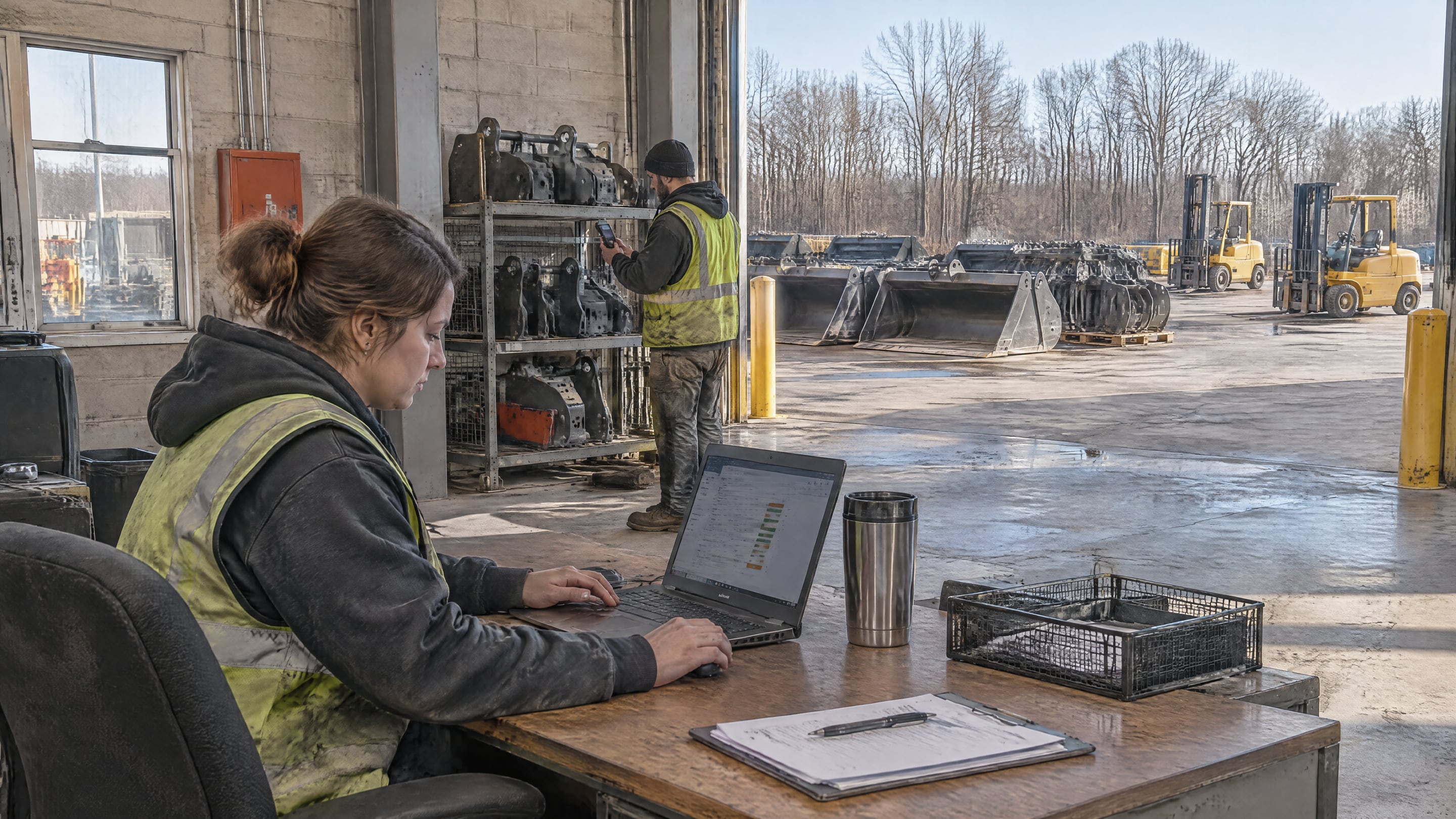
Size by process coverage, not by total staff count. Count the handovers and movement corridors that must produce sightings during a normal shift, then assign one phone carrying role to each critical point. If one role already moves through two points naturally, that single phone can cover both.
Use a simple sizing worksheet:
- Count daily handover points such as dispatch, returns, and maintenance intake. These define the minimum sighting zones.
- Map shift pattern and overlap windows. Blind spots often happen at shift boundaries.
- Mark high-value or high-search asset groups. Coverage quality matters most where loss hurts most.
- Baseline current search incidents per week. This is how you judge whether extra phones actually help.
- Set an unseen-asset window target, for example under 2 hours in active zones. This defines enough coverage for your operation.
Then run this rule: start with one phone carrying role per critical handover zone, plus one floating role for roaming checks. After one week, add phones only where blind windows stay above target.
Phone-side platform limits matter here. Android guidance for BLE background communication states that periodic scheduled scans are discouraged, and Android 12 and above add runtime permission and foreground-service constraints that affect app behavior (Android background BLE guidance, Android Bluetooth permissions). Plan with your real device mix in the pilot, not from a lab assumption.
Where should those phones sit in the workflow?
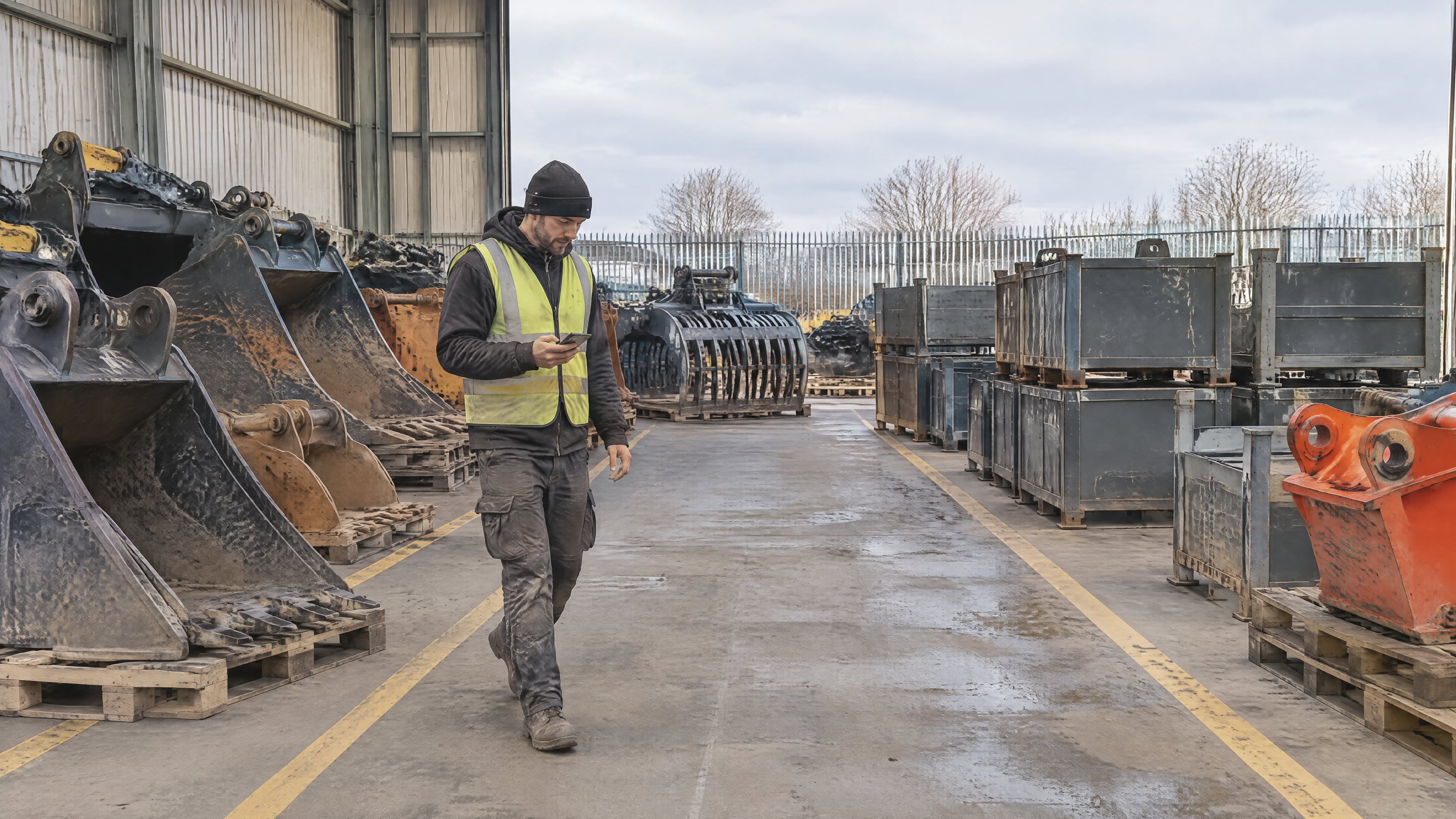
Place phones with roles that naturally touch assets at moments of custody change. Coverage rises faster from role placement than from random distribution. In most yards, three roles create the first useful network: outbound dispatch, inbound returns, and roaming yard control.
A practical first layout is:
- Dispatch role: confirms assets leaving the yard.
- Returns role: confirms what came back and what did not.
- Roaming control role: collects opportunistic sightings during routine rounds.
This gives you regular sightings across both planned and unplanned movements. You can then add by exception, such as a second returns role during peak hours.
On iOS, region and condition monitoring is a shared system resource, and Core Location limits each app to 20 monitored conditions at once (Apple Core Location documentation). That is another reason to keep zone design tight and operationally meaningful, instead of creating dozens of micro-zones on day one.
How do you run a two week pilot to validate phone count?
Run the pilot as an operations test, not a feature test. Pick one asset family, one yard section, and one shift pattern. The result you need is simple: fewer search minutes, fewer unknown-custody cases, and faster exception closure. If those move in the right direction, your phone count is close.
Pilot sequence:
- Define one scope. Example: attachments and tools in one outbound yard.
- Tag only the trial subset. Do not wait for full-fleet tagging.
- Assign phone carrying roles. Start with dispatch, returns, roaming.
- Log three daily metrics. Unknown location count, median search time, open exceptions older than target.
- Review every two days. Move or add phones only where blind windows persist.
Keep privacy controls explicit from day one: tag sightings only, scanning stops outside the site boundary. For operational governance patterns, the Autopilot page and this post on running returnable operations without spreadsheets provide useful comparison context.
When should you add fixed gateways after a phone based start?
Add fixed gateways only when the process proves value and your blind windows are structural, not behavioral. If unknowns stay high in zones where no worker passes regularly, fixed readers can close that gap. If unknowns happen because handovers are skipped, fix process discipline first.
Use this decision split:
- Add phones when blind spots follow shift patterns, route changes, or role gaps.
- Add fixed gateways when blind spots stay in static choke points with low human traffic.
- Do both when you need stable baseline coverage plus dense operational context.
The goal is not to maximize sightings. The goal is to run the yard with less searching and clearer accountability.
Frequently asked questions
Do we need one phone per worker for BLE tracking?
No. Start with one phone carrying role per critical handover zone. Expand only where blind windows remain above your target after one week.
What is a good first target for coverage quality?
Set a business target, not a radio target. For example: active assets in the pilot zone should not stay unseen beyond your agreed operating window, and open exceptions should close within SLA.
Can we run this in a rental depot and an equipment yard with the same model?
Yes. The placement differs, but the logic is the same: map custody points, assign phone carrying roles, and tune coverage from operational exceptions.
Should we buy gateways before the pilot?
Usually no. A phone based pilot shows where fixed infrastructure actually pays, so you avoid buying readers in zones where process placement already gives enough coverage.
If your team wants a concrete sizing map for your own yard or depot, book a demo.


